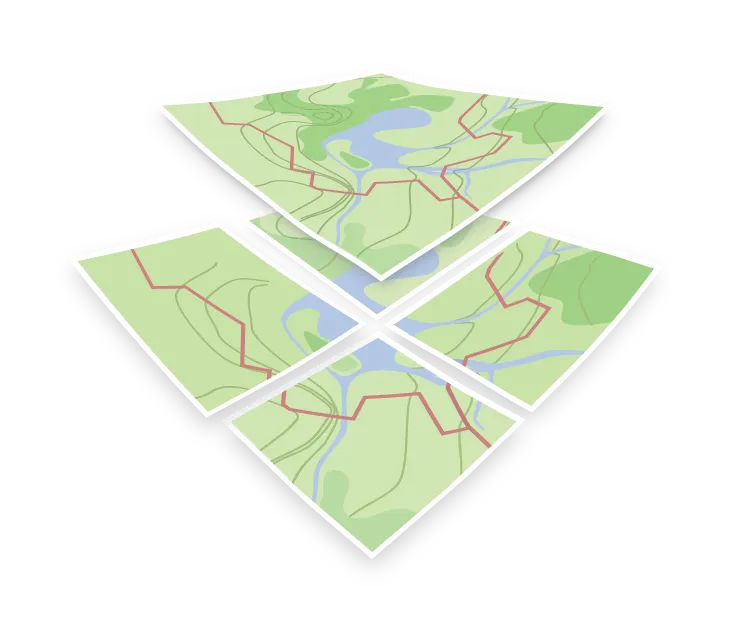

3D terrain
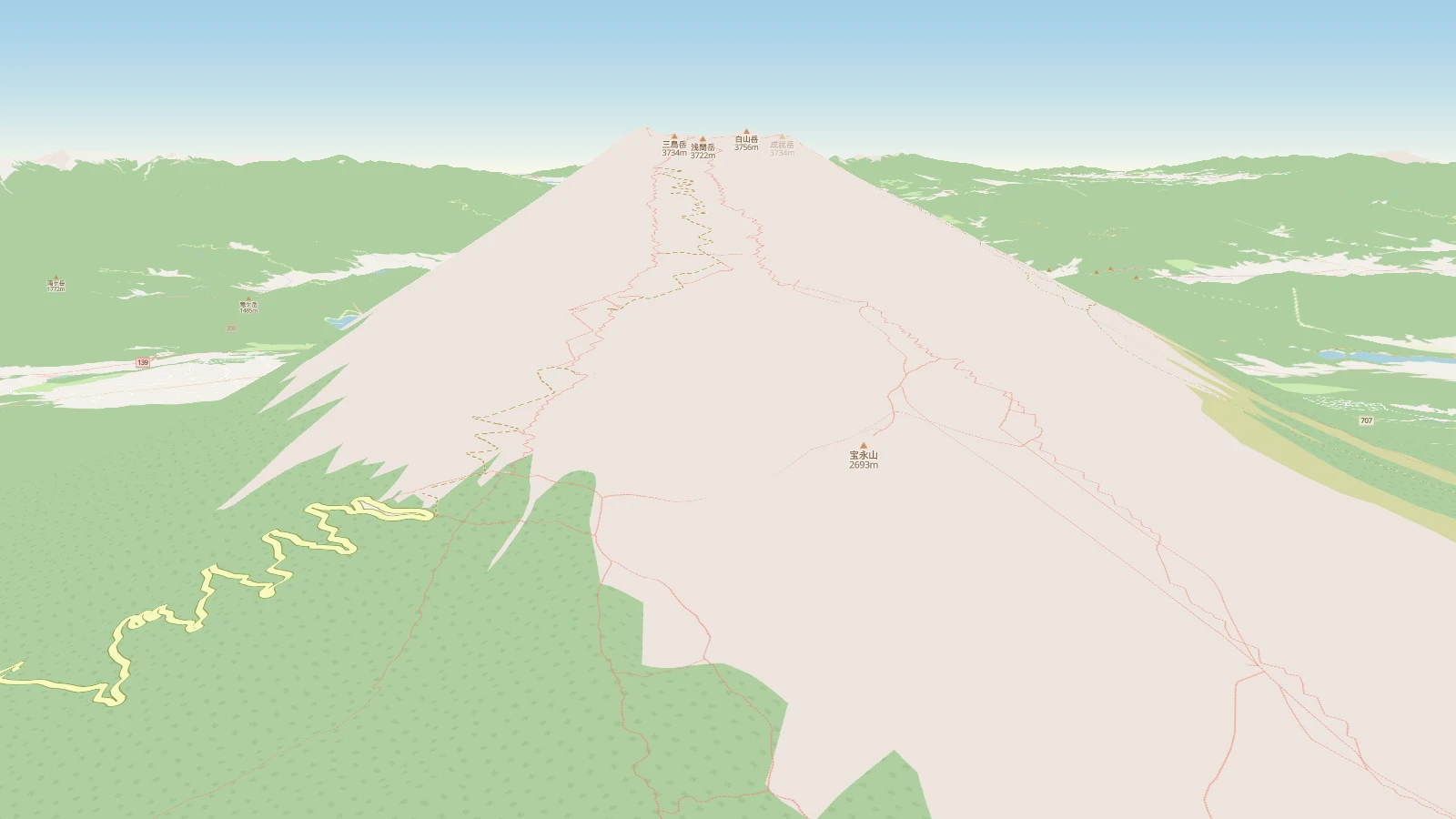
3D terrain adds the third dimension to a map. Instead of drawing the surface flat, the renderer raises it according to elevation data, so ridges, valleys, and coastlines get shape, and a tilted view shows the landscape rather than a plan.
How elevation is delivered
Elevation comes as a tileset of its own, separate from the vector tiles that carry roads, buildings, and labels. The usual trick is to encode height into the color channels of an ordinary raster tile: from each pixel’s red, green, and blue values, the client calculates a single number, the height in meters at that pixel.
That lets elevation travel through the same tile infrastructure as everything else. The tiles stay ordinary raster images; the client only decodes the heights from them and uses those values to raise the map surface.
Terrain is a separate source in the style JSON, so you add it to an existing map rather than switching to a special one.
Terrain and hillshading
Terrain and hillshading are often confused, partly because both are usually made from the same elevation data delivered as flat raster tiles. Hillshading calculates light and shadow from the slopes and draws them as a flat image, so it works in a plain top-down map. Terrain uses the elevation values to raise the map surface, which only shows once the camera is tilted.
Many maps use terrain and hillshading together, because hillshading still reads well from directly above.