
Vector tiles
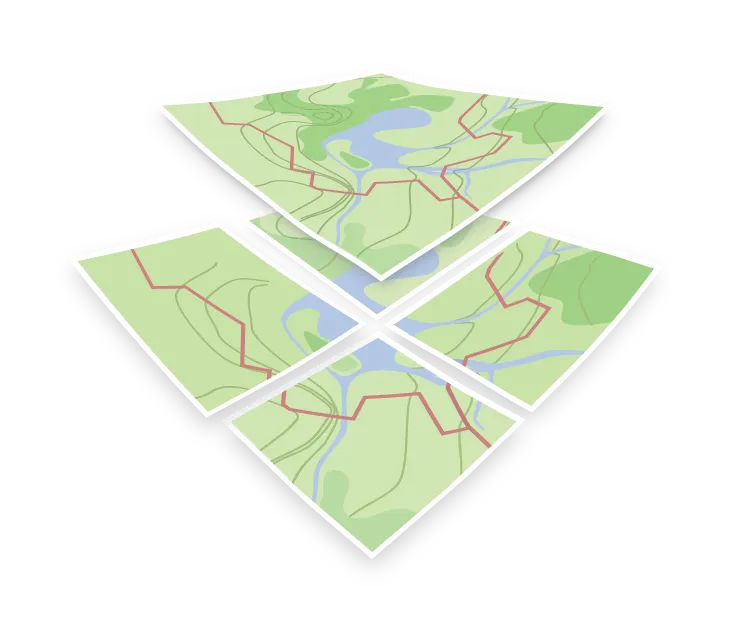
Vector tiles are map tiles that store geographic vector data rather than pre-rendered images. Each tile holds the vector data for a specific area at a given zoom level, containing both geometries and their associated attributes. The client receives this raw data and renders the map locally.
Unlike raster tiles, which arrive pre-rendered, vector tiles carry unstyled data. A single vector tile using style JSON can render a light theme, a dark theme, or localized labels without downloading the tiles again.
What is inside a vector tile
A tile is a small binary file, encoded with Protocol Buffers and compressed with gzip. The format is the Mapbox Vector Tile specification, which is why the files often carry a .pbf or .mvt extension.
The content sits at three levels:
| Level | Meaning |
|---|---|
| Layer | A named group such as transportation, water, or place |
| Feature | One geometry: a point, a LineString, or a polygon |
| Attributes | The key and value pairs on a feature, such as class or name |
The schema defines which layers exist and which attributes it carries. Applying a map style designed for a different schema will cause missing layers or rendering errors.
Coordinates inside a vector tile are not stored as global latitude and longitude. Instead, they use integer values relative to a local grid (typically 4096×4096 units), keeping file sizes small and enabling fast decoding. The renderer then projects this local grid onto screen coordinates.
Tiles are cut from a grid
Vector tiles follow a grid system identified by three coordinates: zoom, column, and row ({z}/{x}/{y}). Zoom level 0 consists of a single tile covering the entire world, and each subsequent zoom level splits each tile into four.
Geometries that cross tile boundaries are clipped and repeated across neighboring tiles. Tiles also usually include a buffer: the geometry extends a little beyond the edge of the tile, so lines, outlines, and labels join without visible seams. With the buffer set to 0, calculations on tile data get simpler, but the rendered map shows artifacts along the tile edges. While client renderers seamlessly reassemble these features visually, performing spatial analysis (such as feature counts or length calculations) directly on raw tile data will yield inaccurate results due to duplicated features. These calculations should be run against the source database instead.
Storing and serving
A complete collection of tiles forms a tileset, typically stored as a single container file such as MBTiles rather than millions of individual files. A tile server reads this container to handle HTTP {z}/{x}/{y} requests, while a hosted maps API provides the same functionality behind an API key.
OpenMapTiles tilesets are generated up to zoom level 14. Beyond zoom 14, client renderers scale up (overzoom) the zoom 14 tile data, keeping the map crisp at higher zoom levels without requiring additional server requests. See maxzoom for implementation details.