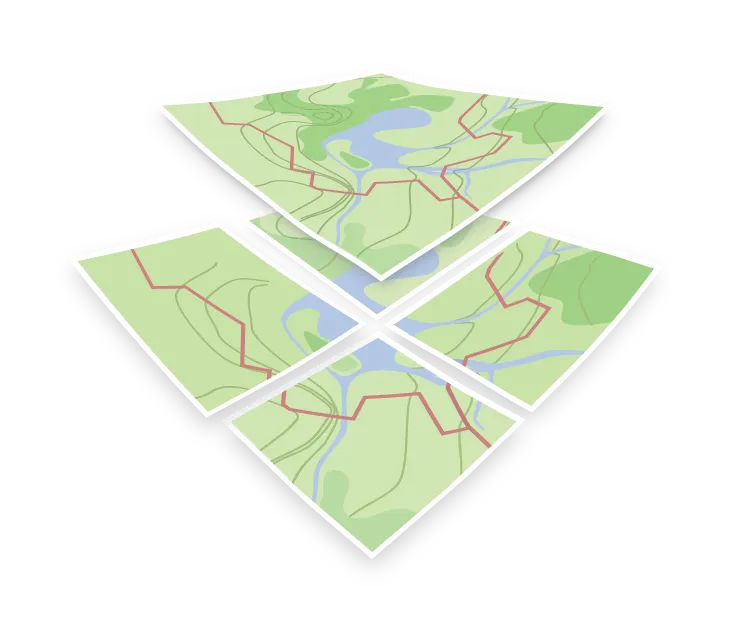

Raster tiles
Raster tiles are map images cut into a grid of small squares and served by zoom level, column, and row. All the map rendering happens on the server, so the client just places the finished images next to each other.
Many raster tiles are rendered ahead of time and served as stored images. Others are rendered on request, for example by a WMS server, by MapTiler static maps, or by MapTiler raster tiles of a vector map, which are rendered on the first request and then served from a cache.
Tiles are usually 256x256 or 512x512 pixels, in PNG, JPEG, or WebP. Zoom 0 is one tile for the whole world, and each level splits every tile into four, so zoom 1 has 4 tiles, zoom 2 has 16, and so on.
Raster tiles and vector tiles
Vector tiles carry vector data, and the client draws the map. Raster tiles carry the finished picture. The trade is straightforward:
- Raster tiles work everywhere, including old browsers and desktop GIS, and need no rendering power on the client. The look is fixed at generation time, and changing it means re-rendering.
- Vector tiles can be restyled instantly, relabeled in another language, and rotated or tilted with labels staying upright and readable, but need a renderer capable of drawing them.
Generating raster tiles
Raster tiles come from two kinds of sources. Imagery and elevation layers, such as satellite and aerial photos, hillshading, or terrain, are cut into tiles from raster formats.
Raster tiles of a street map or another designed map can also be rendered from vector tiles plus a style JSON, either ahead of time or on request. That way the same vector tileset can serve a modern web map directly and also feed a WMTS endpoint for the GIS clients that need images.