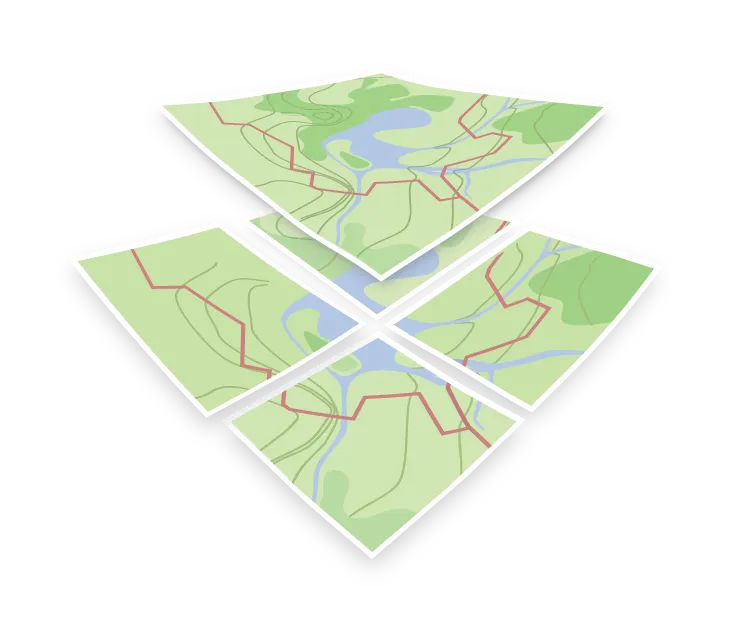

minzoom
minzoom defines the lowest zoom level at which data or layers are displayed. Like maxzoom, it appears in both tileset metadata (sources) and style layers, but serves a distinct purpose in each context.
minzoom on a source
On a source, minzoom states the lowest level at which map tiles were generated. For OpenMapTiles, it is 0, where the entire world is a single tile.
Unlike maxzoom, minzoom does not support fallback rendering. Above the source maxzoom, a renderer overzooms (scales up) the tiles from the maxzoom level to keep the map functional. Below the source minzoom, there are no tiles at a lower zoom level to fall back on, so the area stays blank.
This behavior often affects partial regional extracts. If a tileset begins at zoom 6, zooming out to zoom 5 renders a blank screen. To avoid it, add a global tileset underneath in the style, or set a minimum zoom on the map itself, for example with the minZoom option in MapLibre GL JS.
minzoom and maxzoom on a layer
On a style layer, the pair sets the zoom range in which that layer is drawn. minzoom is the zoom level at which the layer first appears, and maxzoom is the zoom level at which it stops being drawn: the layer is hidden at that zoom level and above.
This is the main tool for controlling how much a map shows at once. Highways use a low minzoom to stay visible at low zoom levels, whereas residential streets and house numbers use a high minzoom, so they appear only at high zoom levels and do not clutter the view. The style can only show data that is in the tile. Below the zoom level at which the schema adds a feature, there is nothing for the style to show: OpenMapTiles includes house numbers only from zoom 14, for example.
A style layer’s range is bounded by its source. If the source’s tiles start at zoom 6, a style layer with a minzoom of 2 still draws nothing until zoom 6.