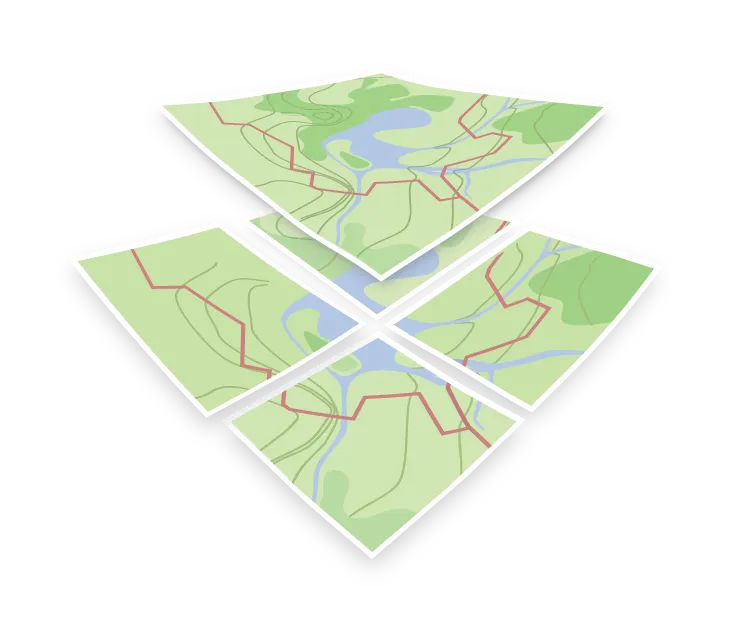

Style layer
A style layer is a single entry in the layers array of a style JSON. It reads the features of one data layer of the vector data, for example the transportation layer of the vector tiles, and says how to draw them. A map is built by stacking dozens of style layers. Each one can filter the features it reads, style them, and calculate values with expressions, so a single style layer can be anything from a plain fill to a complex set of rules.
What a style layer contains
| Property | Purpose |
|---|---|
id |
A unique name for this style layer within the style |
type |
How to draw it, for example fill, line, symbol, circle, fill-extrusion, heatmap, raster, hillshade, or background |
source |
Which data source declared in sources to read from (vector, raster, GeoJSON, …) |
source-layer |
Which layer inside the tiles to read, for vector sources |
filter |
An expression selecting which features to include |
minzoom, maxzoom |
The zoom range in which the style layer is drawn |
layout |
Properties applied when the geometry is laid out |
paint |
Properties applied when it is painted |
Layout and paint
The split between layout and paint is about cost, not style. Layout properties, such as icon-image (which icon a symbol shows) or line-join (how the segments of a line are joined), affect how geometry is prepared, so changing one forces the renderer to redo that work. Paint properties, such as color and opacity, are applied at draw time and can be changed cheaply, including with an animation.
One source layer usually feeds several style layers. Roads often need a wide dark line drawn first and a narrower light line on top to produce a casing, which is two style layers reading the same data.